

Try ECDESIGN 5

Fast and powerful 3D floor planner software
Discover the future of floor planning – simple, fast, and stunning in 3D.
Try it free today. No credit card required.
If you can think it,
you can design it

3 minute video tour - ECDESIGN 5
Experience the future of design with Ecdesign 5. This highly anticipated launch introduces a new generation of features and enhancements, revolutionizing your design process. Try out the new generation Ecdesign today! Active Ecdesign 4 subscribers upgrade for free to Ecdesign 5.
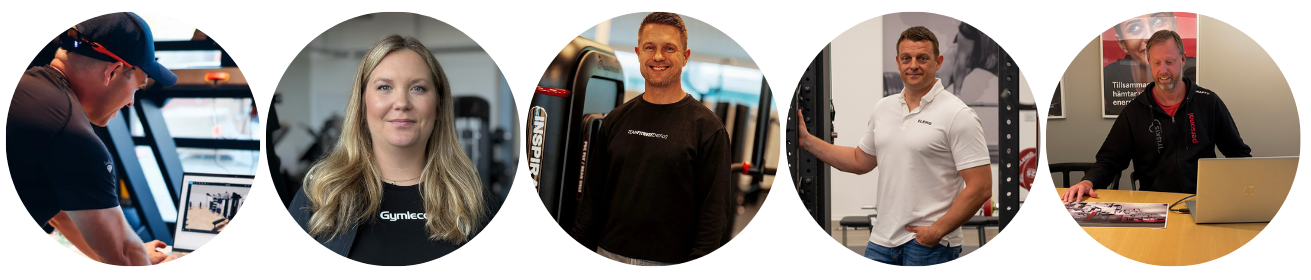
Trusted by fitness and repair shop
professionals worldwide
Thousands of professionals worldwide rely on Ecdesign to create stunning spaces, close deals faster, and stand out in the market.
Powerful 3D gym design software
– try ECDESIGN 5 today
Unleashing the power of a new 3D Engine. Ecdesign 5 brings you an advanced 3D design experience with unmatched power and speed. Create, visualize, and plan spaces faster than ever with smoother rendering and dynamic features, taking your design process to a whole new level.

Windows or MAC

Seamless design experience on Windows and Mac
ECDESIGN Academy

Learn Ecdesign online for free
Join our academy training courses today!
New on our website
How we built it
We break down real Ecdesign 5 layouts — quick videos showing how it all came together. Learn smart tweaks, design tricks, and see the full process behind each space.
Already using
ECDESIGN 4?
Existing Ecdesign 4 user? Upgrade to Ecdesign 5 at no extra cost!
Get inspired
Explore our design gallery
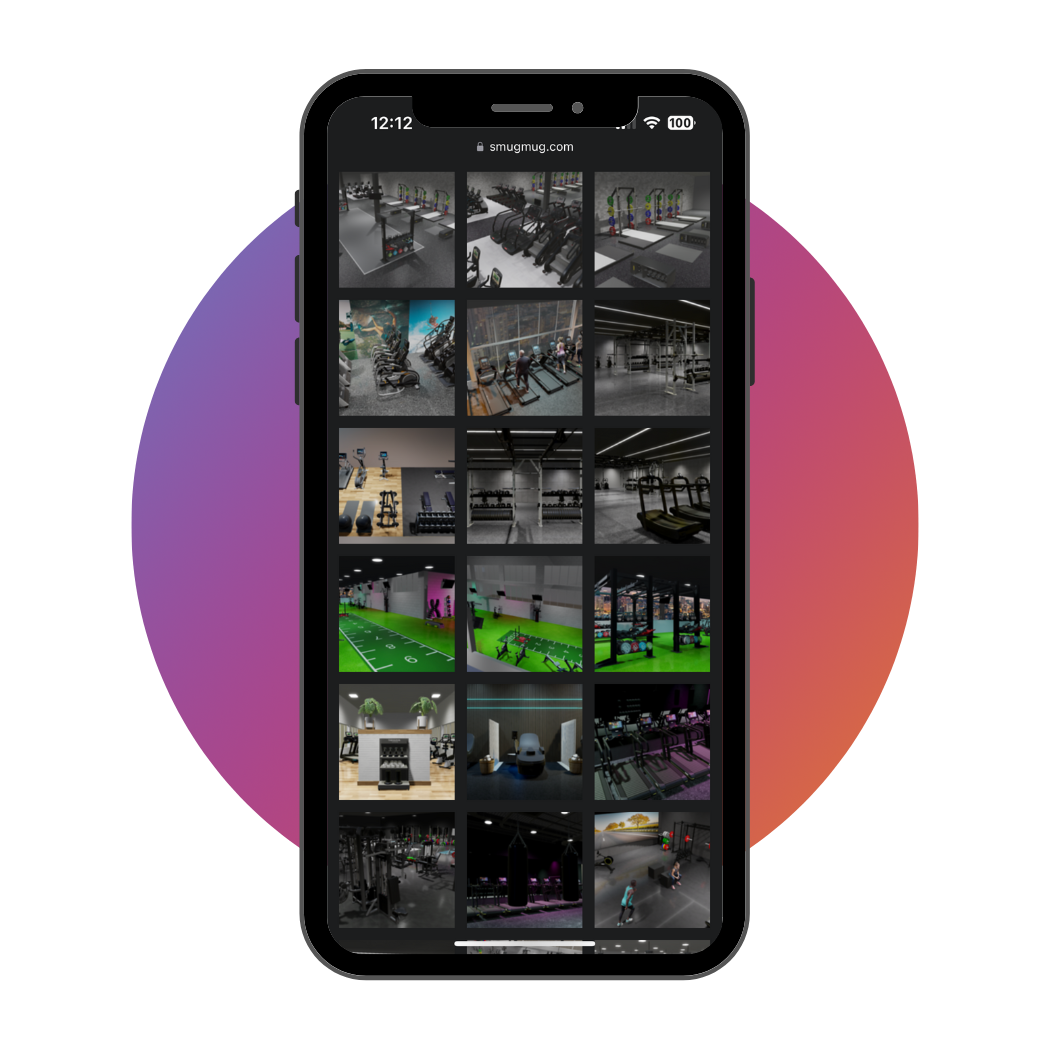
The online album is frequently updated with new sample designs.